IDP vs OCR vs RPA in Document Workflows
These three tools solve different problems in sequence, not three ways to do the same job.
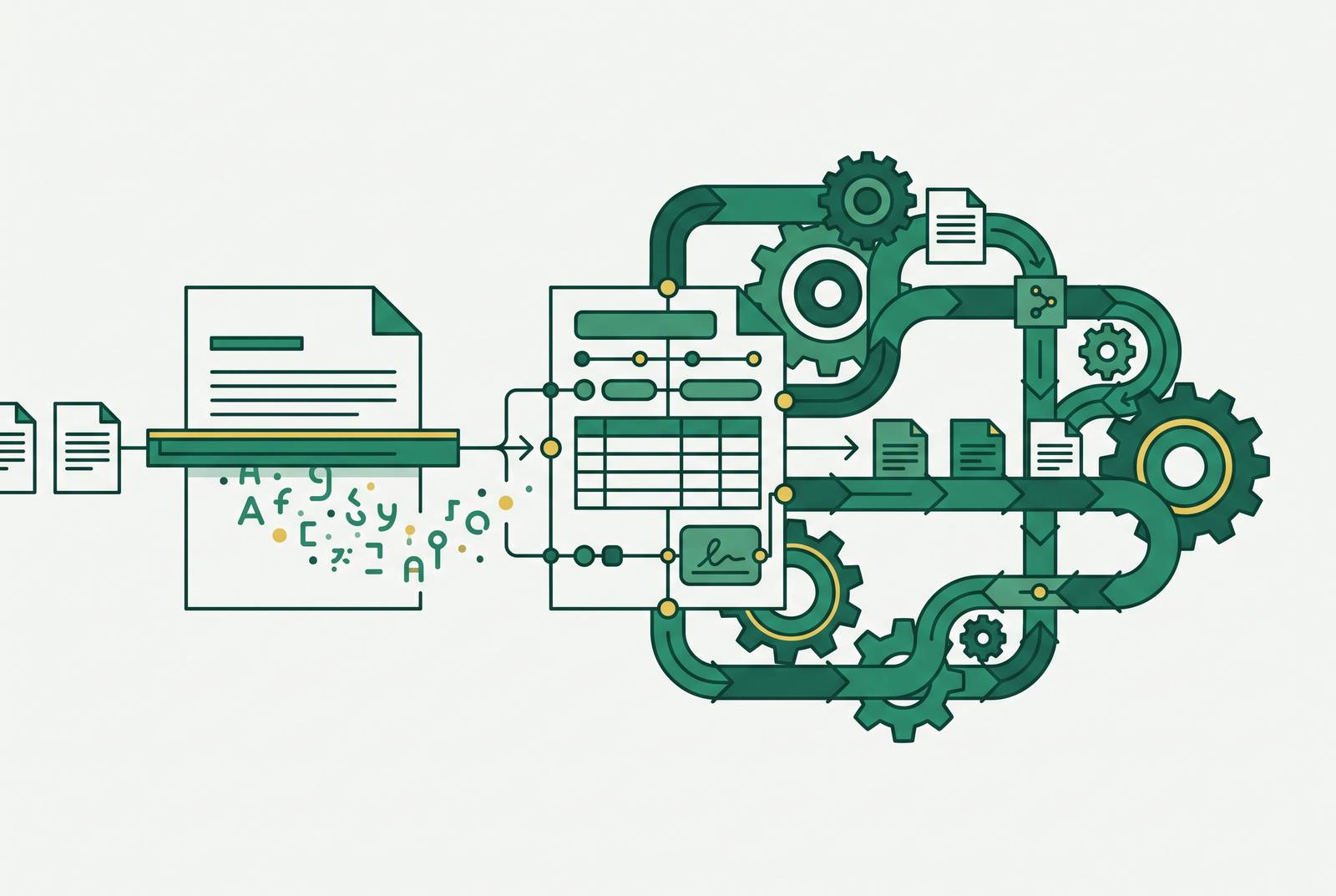
OCR, RPA, and IDP get treated as three competitors fighting for the same budget line, when they are actually three different layers of one pipeline, each built to solve a different problem. The confusion is structurally incentivized: OCR vendors have a commercial reason to call their product intelligent, and RPA vendors have a reason to present automation as a full document solution. Buyers inherit that mislabeling and spend against it. The pattern that follows is predictable: a team buys OCR, hits its ceiling the moment documents get semi-structured, bolts on RPA to push the output somewhere useful, finds the exception rate too high for RPA to absorb, and ends up redesigning the whole workflow. That redesign costs money in integration work and rework that a cleaner architecture, built in the right order the first time, would never have required.
Where OCR's Job Ends
OCR is a character recognition layer. It is not a document understanding layer, and nearly every failure mode in OCR-only workflows traces back to someone forgetting that distinction. OCR reads what characters sit on a page. It does not know what those characters mean, how one field relates to another, or whether a number in the top right corner should be weighted differently from one buried in a footnote.
Vendors sell around this gap with the phrase "intelligent OCR." In practice, that usually means OCR with a layer of if-this-then-that rules stacked on top, and rules are not the same thing as understanding. A rule can say "if this text block sits near a certain keyword, treat it accordingly. That rule breaks the moment a document's layout changes. No amount of rule-stacking turns character recognition into the kind of semantic reasoning a human reviewer does without thinking.
The math behind why this matters is simple, and it is the whole reason OCR-only pipelines stall out at scale. A document with many fields needs every one of those fields read correctly, not just most of them. Even strong character-level accuracy still leaves errors that compound across fields, and once that happens at volume, the manual correction queue can eat up more time than the OCR system saved in the first place. OCR's job starts and ends at turning an image into text. Anything past that, meaning, structure, validation, routing, belongs to a different layer.
The practical ceiling here is a function of what OCR was built to do in the first place, not a flaw to be engineered away with a better OCR model. A document intelligence layer validates extracted fields and routes exceptions with context, completing the job OCR starts. Invofox, as one example of this kind of layer, takes OCR's output and adds semantic understanding, turning character streams into validated, routable data.
RPA as a Workflow Layer, Not a Document Layer
RPA moves data between systems. It does not produce clean data, and it was never built to. Its job is automating the steps that happen after extraction is already done, not doing the extraction itself.
RPA earns its keep on repetitive, deterministic tasks: stable integrations between systems, rule-based workflows, and the stubborn case of a system with no API where clicking through a screen is the only way in. None of that requires RPA to understand a document. It requires RPA to receive a value and put that value somewhere else, the same way, every time.
The trouble starts because RPA bots are built around a specific screen layout, specific field positions, and a specific sequence of steps. Moving a field during a software update, introducing a new document format upstream, or adding one step to a process can make the bot fail silently, pass bad data through without complaint, or stop working entirely. That happens when a system built for stability meets a document stream that is not stable.
In a document-heavy workflow, RPA typically handles 70 to 85 percent of items automatically, and the rest land in a manual queue. That queue has no memory and no context built in. Whoever opens the next flagged item starts from zero, reading the source document cold, with nothing telling them why the system kicked it out. RPA is wrong only when a team expects it to also understand the document it is supposed to be moving.
Teams that combined OCR and RPA often believed they had built end-to-end automation. What they had actually built was a pipeline that worked until documents varied even slightly, at which point maintaining the RPA workflows got expensive and fragile fast. The underlying issue was never a shortage of automation effort. It was the missing layer that understands documents before RPA ever touches them. A document parsing API that validates data before it reaches RPA, catching errors and routing exceptions with full context attached, cuts both the size of that exception queue and the ongoing cost of keeping brittle screen-scraping bots alive.
IDP as a Third, Distinct Layer
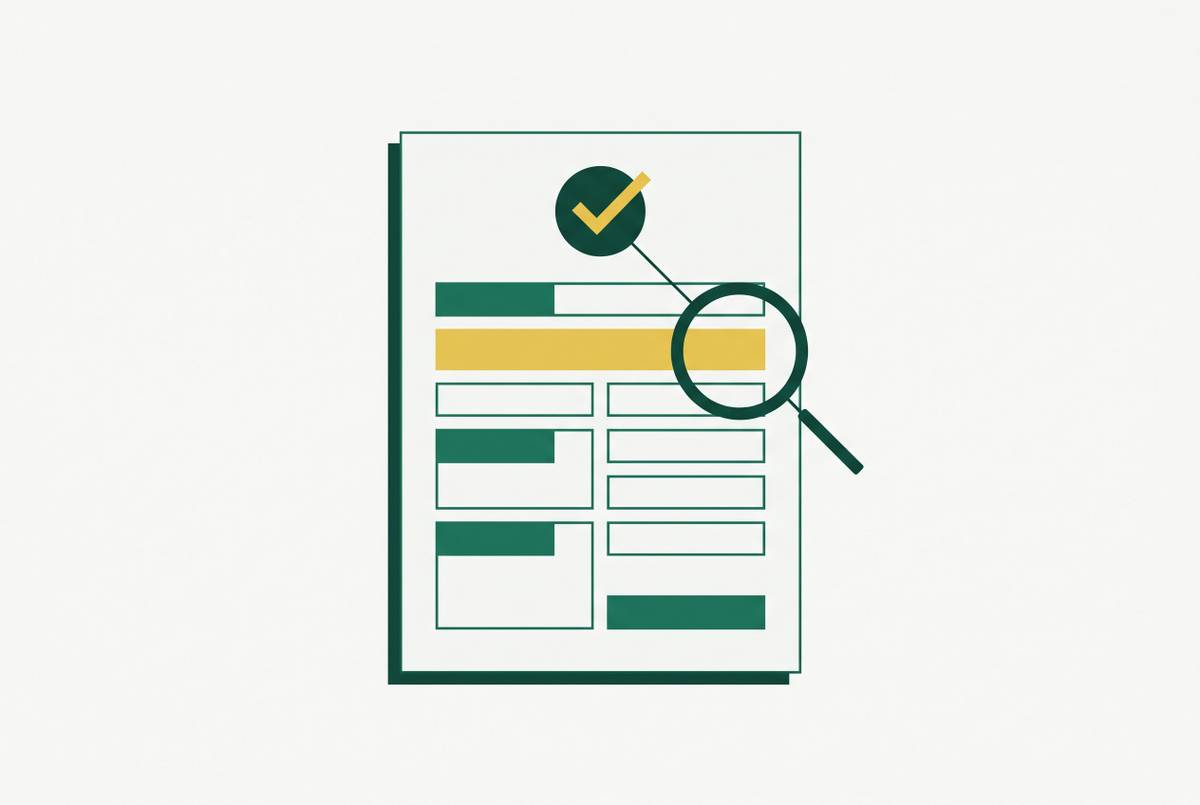
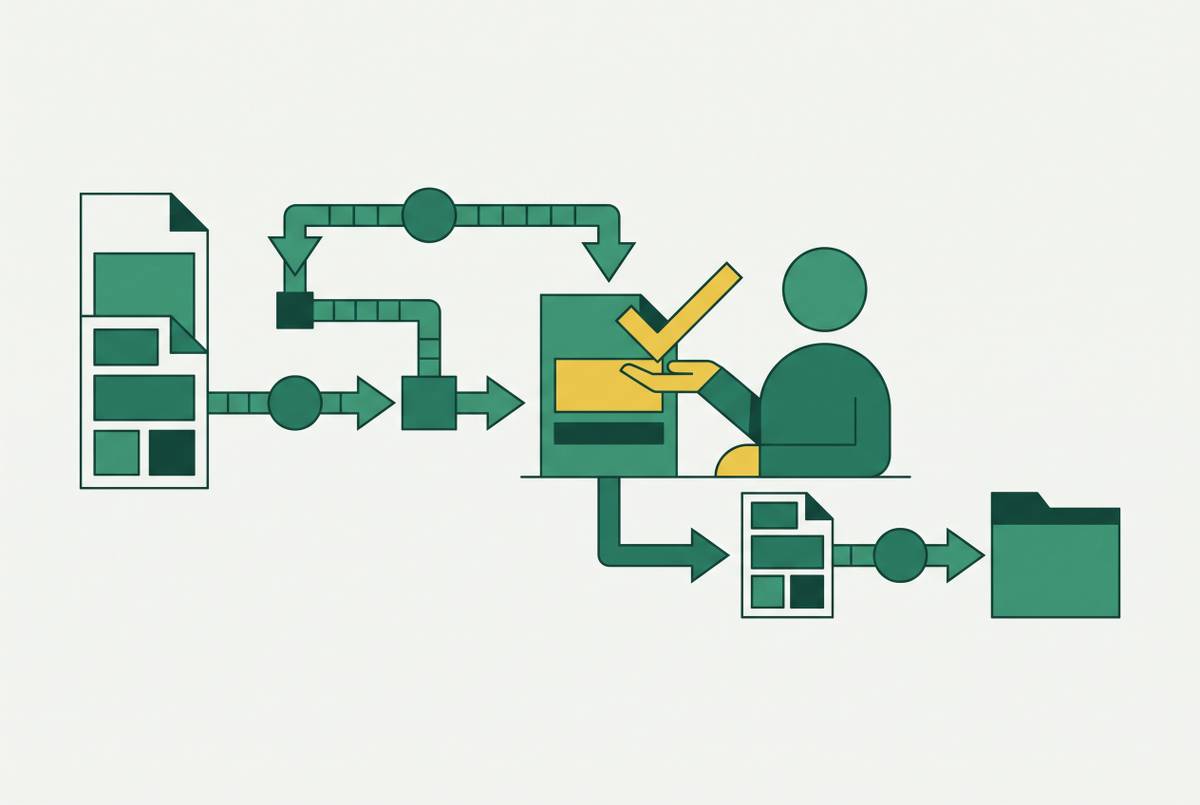
IDP understands a document well enough to extract specific fields, check them against expectation, and send anything uncertain to a person with the context already attached. That is a different job from reading characters and a different job from moving data between systems; it sits as its own layer rather than a feature bolted onto either of the other two.
IDP's work breaks into a few distinct capabilities. Document classification figures out what kind of document has arrived before extraction even starts. Field-level extraction with semantic context is what lets a system know that a given dollar figure is a loan balance rather than a property value, which depends on reading the surrounding structure, not just the number itself. Validation checks whether an extracted value is internally consistent, plausible, and in the right format. Exception routing sends low-confidence fields to a human reviewer along with the source document, the extracted value, and the reason it got flagged, so the reviewer is not starting cold the way an RPA exception queue leaves them. Continuous learning closes the loop: corrections made during human review feed back into the system and improve accuracy over time, and that feedback loop is what separates a working document AI product from a static OCR tool that never gets better on its own.
The accuracy numbers back up why this layer earns its place. IDP platforms now run at 99 to 99.9 percent accuracy and validate data substantially faster than OCR pipelines working alone. That gap comes from the validation and context layer sitting on top of character recognition, a newer, sharper way of reading characters does not explain it.
The current edge of this layer is agentic IDP, where large language models orchestrated by AI agents handle layouts they have never seen before without retraining, reason across multiple documents at once, and ground their outputs in the actual source content using retrieval-augmented generation. The practical effect: onboarding a new document type, which used to take weeks of template-building, can now take hours. That is a meaningful shift in how fast a document workflow can adapt to a new vendor, a new form, or a new country's paperwork, and it is worth understanding as the direction IDP is heading, even though the core job of the layer, classify, extract, validate, route, stays the same.
How the Three Layers Fit Together
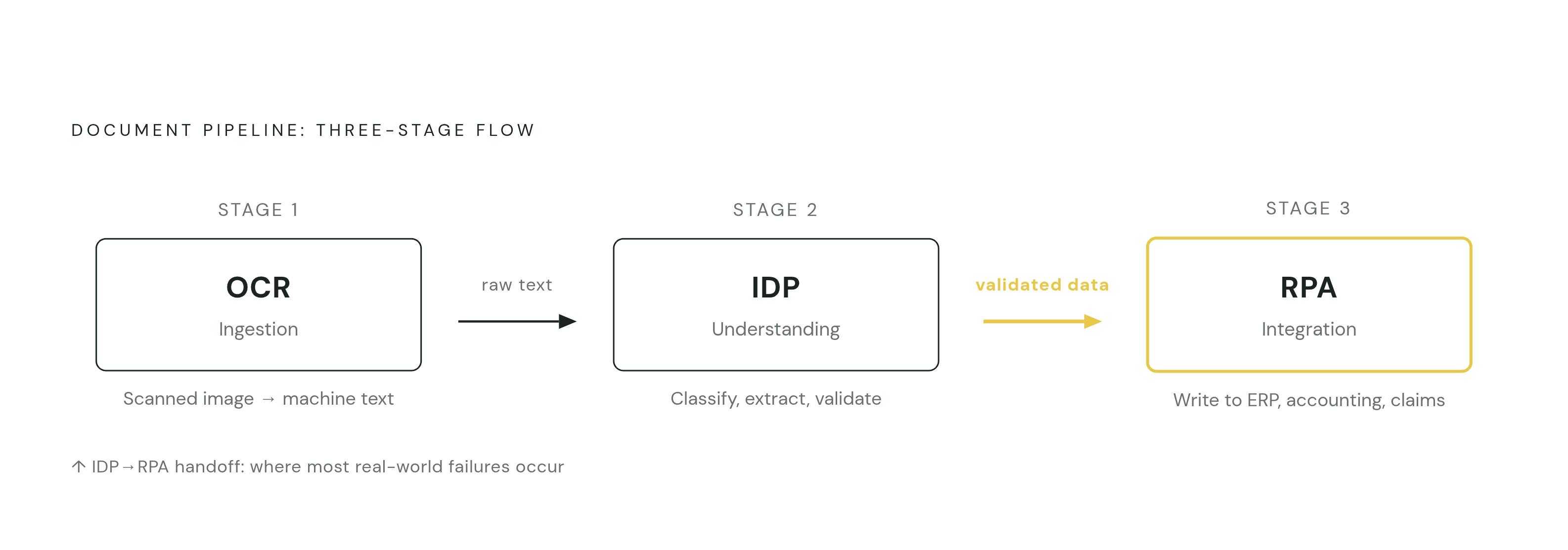
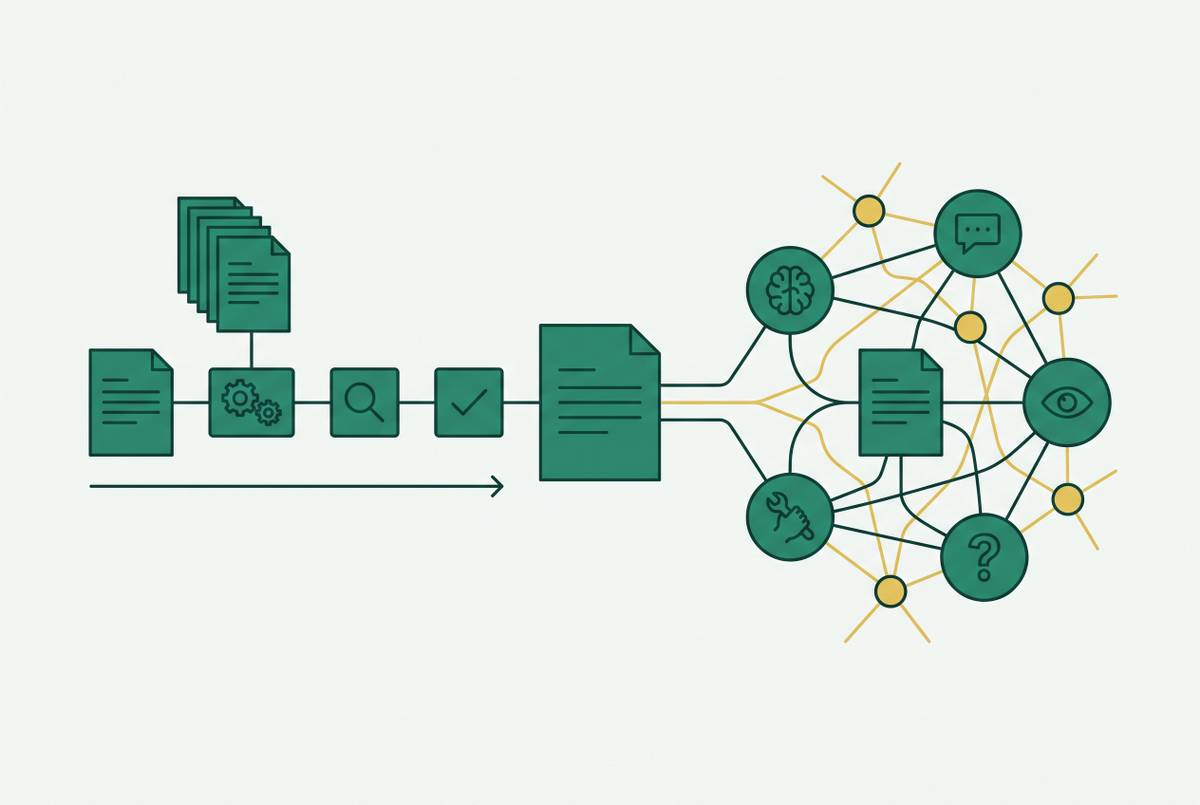
A working document pipeline runs in three stages: ingestion, understanding, and integration. OCR sits at ingestion, turning scanned or image-based input into machine-readable text. IDP sits at understanding, classifying the document, extracting fields with context, checking them against business rules, and routing anything uncertain to a person. RPA is at integration, taking the clean, validated data IDP hands over and writing it into whatever system needs it next, an ERP, an accounting platform, a claims system, and automating the deterministic steps that follow once extraction has already succeeded.
Most failures in this kind of pipeline do not happen inside a layer. They happen at the handoff between layers, specifically the one between IDP and RPA. RPA cannot decide what to do with a field that got flagged as uncertain. It needs either a clean, resolved value or an explicit rule telling it where to route a problem. If that design step is skipped, exceptions left sitting in the RPA layer turn into either a silent failure or a queue that stalls out.
When the pipeline is built correctly, the bulk of documents move through fully on their own, and only the genuine edge cases, a scanned copy with bad contrast, an unusual layout, an ambiguous value, reach a human reviewer. That keeps throughput high and keeps the people doing manual review focused on cases that actually need a human judgment call, instead of burning their attention on routine items that should never have reached them.
The same layering logic carries over into the newer world of LLM and retrieval-augmented generation pipelines downstream of document processing. Those systems are only as good as the structured or markdown input they receive. Garbage in, garbage out applies just as much to document preprocessing as it does to any other data pipeline, which makes IDP's structured, validated output the quality gate standing in front of any AI reasoning layer built on top of it.
Failure modes in production that demos never show
A vendor demo runs on a clean document under good lighting. Production runs for years against every document a business actually receives, and each layer's real weaknesses become visible there.
OCR's most common failure is a silent character error: "Invoice #INV-2024-001" comes out as "lnvoice #lNV-2O24-OO1," and the regex waiting downstream fails without throwing any error at all, leaving a field that is simply wrong with nobody told. Scan quality adds another failure path: a slight rotation, a different scan resolution, or a misaligned feed shifts elements by a few pixels, which is enough to break logic downstream that assumed a fixed template. Domain-specific notation causes a third kind of failure, where technical documents fail on formula fidelity and business documents fail on structural integrity, and several of these errors do not show up under standard accuracy metrics, because the metric never looked for that kind of mistake.
RPA's failures tend to come from scale rather than a single bad document. Label variation, "Invoice Number" versus "Invoice #" versus "Rechnungsnummer", forces template patterns to multiply until managing them becomes a full dedicated role on its own. When RPA receives a bad value from an upstream step, it moves that value into the destination system without flagging anything, and the error only becomes visible later, often far from wherever it actually originated. Maintenance debt builds the same way: a meaningful share of an automation team's time ends up going toward fixing broken bots, and that cost is routinely underestimated at the point a system gets purchased.
IDP has its own failure modes, and they are subtler because the system looks confident while being wrong. A small error in layout detection, a misidentified table boundary, for instance, cascades into every field extracted from that table. A high confidence score from a vision model means little if the model hallucinated the value. Confidence needs to trace back to an actual bounding box in the source document, not be inferred from the surrounding text. On the CORD dataset's hard regime, only about half of asserted fields come out correct, but whether a value was grounded to a bounding box turns out to be a strongly reliable signal for deciding what to route to a human, more reliable than the confidence score itself. LLM-based extraction pipelines that do not separate visual rendering from text-layer parsing are open to prompt injection through hidden text, a real attack vector for any document AI system processing input it does not fully control.
The most dangerous failure is the one that crosses layers without tripping a single alarm. An OCR error produces a string that looks plausible. IDP extracts it at moderate confidence, that confidence clears the threshold, the value gets accepted and handed to RPA, and RPA writes it straight into the ERP. No layer flagged anything, and the data sitting in the system of record is wrong. That is why confidence thresholds and grounding requirements have to be designed across the whole pipeline as one system, not tuned separately inside each layer as if the layers never talk to each other.